 English
 Türkçe
 Română
 Русский
 Español
 Polski
 Українська
 Português
 Nederlands
 Français
 Deutsch
 Italiano
 中文
中文 Shqip
Shqip العربية
 हिन्दी
 Беларуская
Download Counter-Strike 1.6


FEATURES CS 1.6
Our assembly is the original version of the game. It's perfect for beginners and professionals alike. This assembly has several advantages over modified ones:
- Pure assembly with standard weapons
- 100% Steam On Repack
- Select between standard and HD player models
- Multiplying chat system
- Original counter strike GUI
- Crystal clear configuration file
- Full compatibility with all anticheats
- Performance optimization for low ping
- Complete protection against vulnerabilities
Alive — CS 1.6 Movie
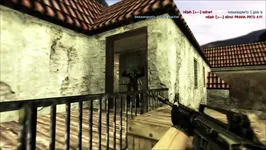
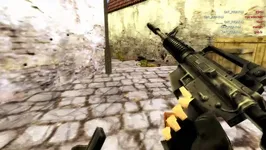
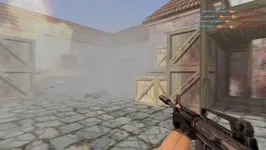
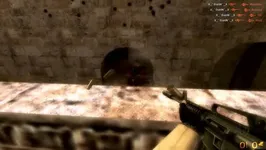
Gameplay in CS 1.6
Counter-Strike 1.6 remains one of the most iconic multiplayer first-person shooters ever released, entertaining players for more than two decades. The game revolves around intense battles between two opposing teams: Terrorists and Counter-Terrorists. Terrorists are portrayed as members of various underground organizations, while Counter-Terrorists consist of elite law enforcement and military units from around the world. Every match takes place on a dedicated map where both sides compete through multiple rounds to prove their superiority. Success depends not only on team performance but also on individual skill, as players earn points for eliminating opponents and contributing to objectives.
Download Counter-Strike 1.6
Unlike its predecessor, Half-Life, Counter-Strike 1.6 does not follow a traditional story campaign. Instead, it focuses entirely on tactical multiplayer gameplay and objective-based missions. At the beginning of each round, players receive a starting amount of money, usually $800, which can be spent on weapons, ammunition, armor, grenades, and other useful equipment. Winning rounds rewards additional cash, allowing players to purchase stronger weapons and gain a strategic advantage in future rounds.
There are several ways to secure victory in CS 1.6. A team can eliminate every enemy player or complete the objective assigned to the map. The most famous map categories are bomb defusal maps (de_) and hostage rescue maps (cs_). On de_ maps, Terrorists must plant and protect a bomb until detonation, while Counter-Terrorists attempt to stop the plant or successfully defuse the explosive. If time expires without a bomb being planted, the Counter-Terrorists claim the round. On cs_ maps, Counter-Terrorists are tasked with rescuing hostages and escorting them to safety, whereas Terrorists try to prevent the rescue until the round ends.
Getting into Counter-Strike 1.6 is easy. Simply download the game from our website using the method you prefer. Whether you choose a direct download or a torrent file, you will quickly join millions of players who continue to enjoy this legendary shooter. Download Counter-Strike 1.6 today and become part of the worldwide CS community.
Gameplay gallery
2026
